Wireless 75% Hot-Swap RGB Mechanical Keyboard Guide
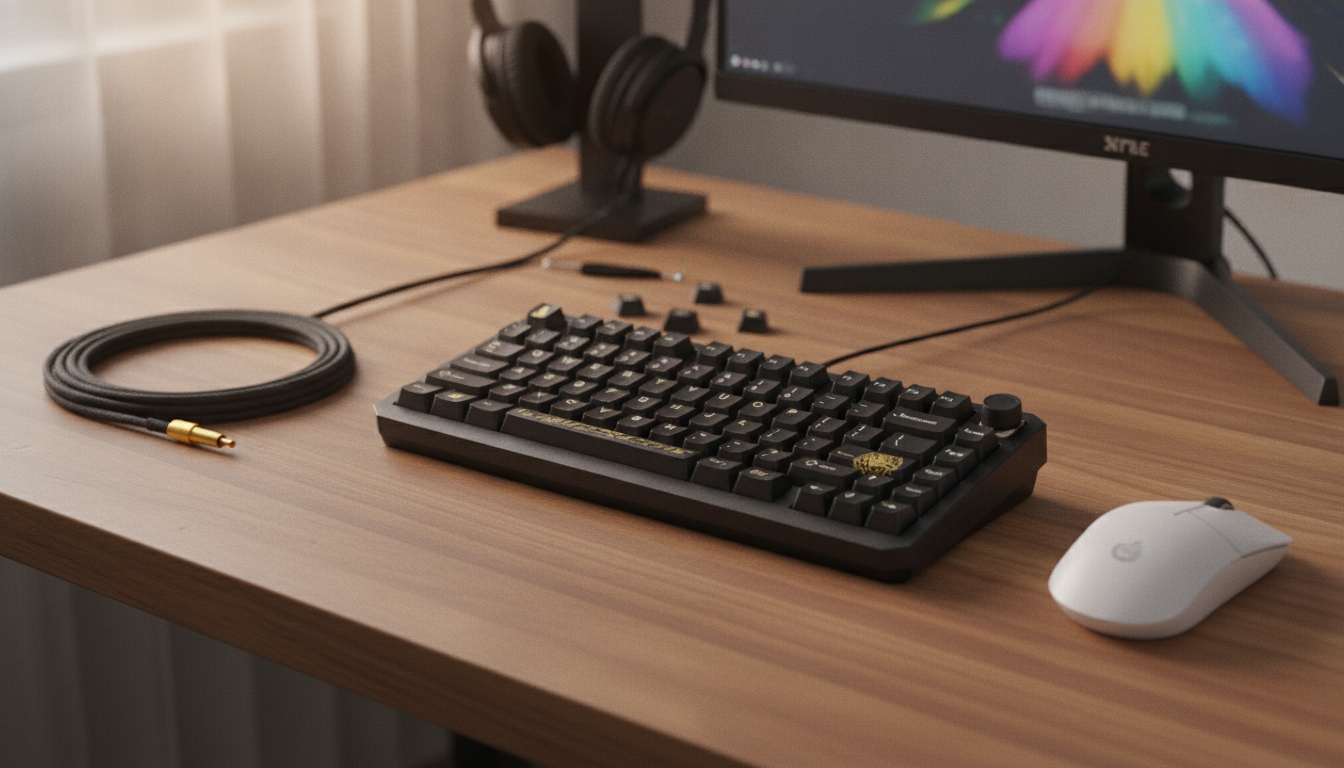
Wireless 75% Mechanical Gaming Keyboard with RGB & Hot-Swap Design
A compact 75% layout keeps the desk clear while preserving essential keys for gaming and everyday work. With wireless connectivity, customizable RGB lighting, and a hot-swap socket design, this keyboard format is built for players who want a cleaner setup today and the freedom to tune feel and sound over time.
If you’re shopping for a versatile compact board, start with the Wireless 75% Mechanical Gaming Keyboard with RGB & Hot-Swap Design—a strong all-around option for gaming, study, and work-from-anywhere setups.
What a 75% layout changes in daily use
A 75% keyboard is designed to feel “complete” without the extra width of a full-size board. You keep the function row (F1–F12) and the keys most gamers actually use, while trimming the right-side bulk that pushes your mouse farther away.
- Keeps function keys and a navigation cluster in a tighter footprint than full-size boards, making more room for mouse movement.
- Reduces reach distance between keyboard and mouse for faster aiming and less shoulder strain during long sessions.
- Fits better on smaller desks while still feeling familiar to users coming from tenkeyless layouts.
- Best match for gamers who don’t rely on a numpad but still want dedicated arrows and quick-access keys.
For FPS and action titles, the biggest day-to-day difference is the extra mouse pad space and the more centered posture it encourages. For productivity, you still get the function row for shortcuts and app controls without having to learn layered key combos right away.
Wireless performance and connection options to look for
Wireless is only as good as its consistency. Low latency matters, but so does the keyboard’s ability to hold a steady connection in an apartment full of routers, consoles, and Bluetooth accessories.
- Prefer low-latency wireless modes for competitive play, and keep a wired option available for charging or tournaments.
- Stable pairing matters as much as speed: look for reliable reconnect behavior after sleep and consistent range in busy Wi‑Fi environments.
- Multi-device switching is useful for a PC + laptop + tablet workflow; dedicated shortcuts make it faster than re-pairing.
- If using RGB heavily, expect shorter battery life; plan on dimming effects for longer sessions away from a cable.
If you want to go deeper on device communication standards, the Bluetooth Core Specification is the authoritative reference for how Bluetooth connections behave, while the USB HID Usage Tables cover how keyboards report key presses over USB.
Hot-swap design: faster upgrades, less commitment
Hot-swap sockets are a practical feature, not just an enthusiast buzzword. Instead of locking you into one switch feel forever, hot-swap lets you change the typing and gaming experience later—without soldering or specialized tools.
- Hot-swap sockets allow changing switches without soldering, making it easy to experiment with different switch types and weights.
- Useful for maintenance: replace a failed switch quickly instead of retiring the whole keyboard.
- Enables tuning by zone—lighter switches for movement keys, heavier for modifiers, or a quieter set for late-night play.
- Check compatibility with common mechanical switch standards to ensure broad upgrade options.
Many shoppers start by picking a switch type that’s “good enough,” then refine later. If you’re comparing switch families, Cherry’s official reference is a solid baseline: Cherry MX Switches.
RGB lighting that’s practical, not just flashy
RGB can absolutely be aesthetic—but the best lighting setups also improve usability. The goal is clearer key recognition, faster targeting of important bindings, and a look you can tone down when it’s time to focus.
- Per-key or zoned effects can improve readability in dim rooms and help identify game-critical keys at a glance.
- Look for adjustable brightness and speed controls to reduce distraction during competitive sessions.
- If software customization is supported, profiles can be saved for different games or work setups.
- Consider whether legends on keycaps allow enough light through for clear visibility.
A simple approach that works well: keep a calm static color for daily typing, then switch to a game profile that highlights movement, reload, push-to-talk, and ability keys. You get function without turning your desk into a strobe show.
Feature snapshot: what matters most for gaming
When the match gets chaotic, you want consistent input and a stable platform. The “feel” is important, but reliability is what keeps missed inputs from becoming missed wins.
Quick checklist for a wireless hot-swap RGB mechanical keyboard
| Category | What to check | Why it matters |
|---|---|---|
| Connectivity | Wireless + wired mode, stable reconnect | Reliable play and easy charging |
| Hot-swap | Switch compatibility and socket type | Easy upgrades and repairs |
| Lighting | Brightness controls, effect options | Visibility and personalization |
| Layout | 75% keys included (F-row, arrows, nav) | Compact without losing essentials |
| Build | Case rigidity, stabilizers, keycap quality | Better feel, sound, and durability |
Setup and personalization tips
Wireless 75% Mechanical Gaming Keyboard with RGB & Hot-Swap Design: who it suits best
In-stock picks
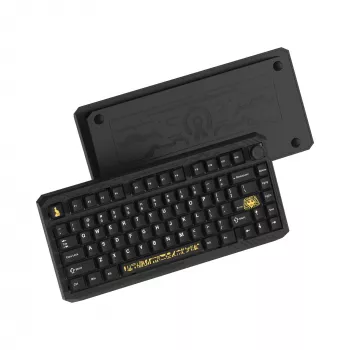
- Wireless 75% Mechanical Gaming Keyboard with RGB & Hot-Swap Design ($179.51)
- Ultralight Non-Slip Aluminum Bike Pedals with Sealed Bearings ($39.82)
- 160 PSI High-Pressure Bike & Motorcycle Tire Pump with Dual Valve Gauge ($89.01)
FAQ
Does hot-swap mean switches can be changed without soldering?
Yes. Hot-swap sockets are made for removing and installing switches with a puller tool, no soldering required—just make sure the switches match the board’s supported mechanical switch standard and insert the pins straight.
Is wireless good enough for competitive gaming?
It can be, especially with low-latency wireless modes and solid reconnect behavior. For zero-interference play or events, having a wired mode available is a reliable fallback.
How can RGB lighting be used without draining the battery too fast?
Lower brightness, choose static or slow effects, and set sleep timers so lighting turns off quickly when idle. Turning RGB off during non-gaming hours can noticeably extend time between charges.









Leave a comment